Texture Tools
Tex-Tools
Two command-line tools are available for extracting textures from TEX files and creating new texture archives:
- tex2png – Extracts textures from a TEX file and saves them as PNG images in the specified output directory.
- png2tex – Creates a TEX file from PNG images. The color palette can either be generated automatically or taken from an existing palette.
File Naming Convention
Extracted textures follow the naming convention NAME_TYPE.png, where NAME is the texture name and TYPE identifies the texture type.
- FLOOR_00_T.png – A regular texture (T).
- DECAL_10_D.png – A transparent decal texture (D).
The same naming convention is used when creating new TEX files from PNG images. For more details, please refer to the included README file.
| v2.1.0 | Download | - Automatic palette generation - Rewrite in C# - Minor bug fixes |
| v2.0 | Download | - First released version from 2007/2010 |
Texture Packs
| Small Example | Download | 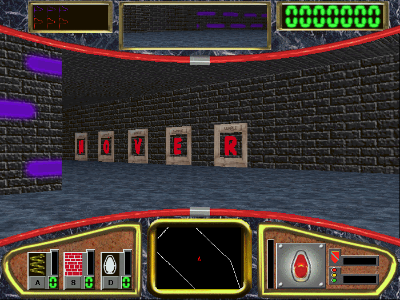 | Example textures for small.maz. A small texture package for testing transparency and texture rendering. |